✨ About Modern UIs
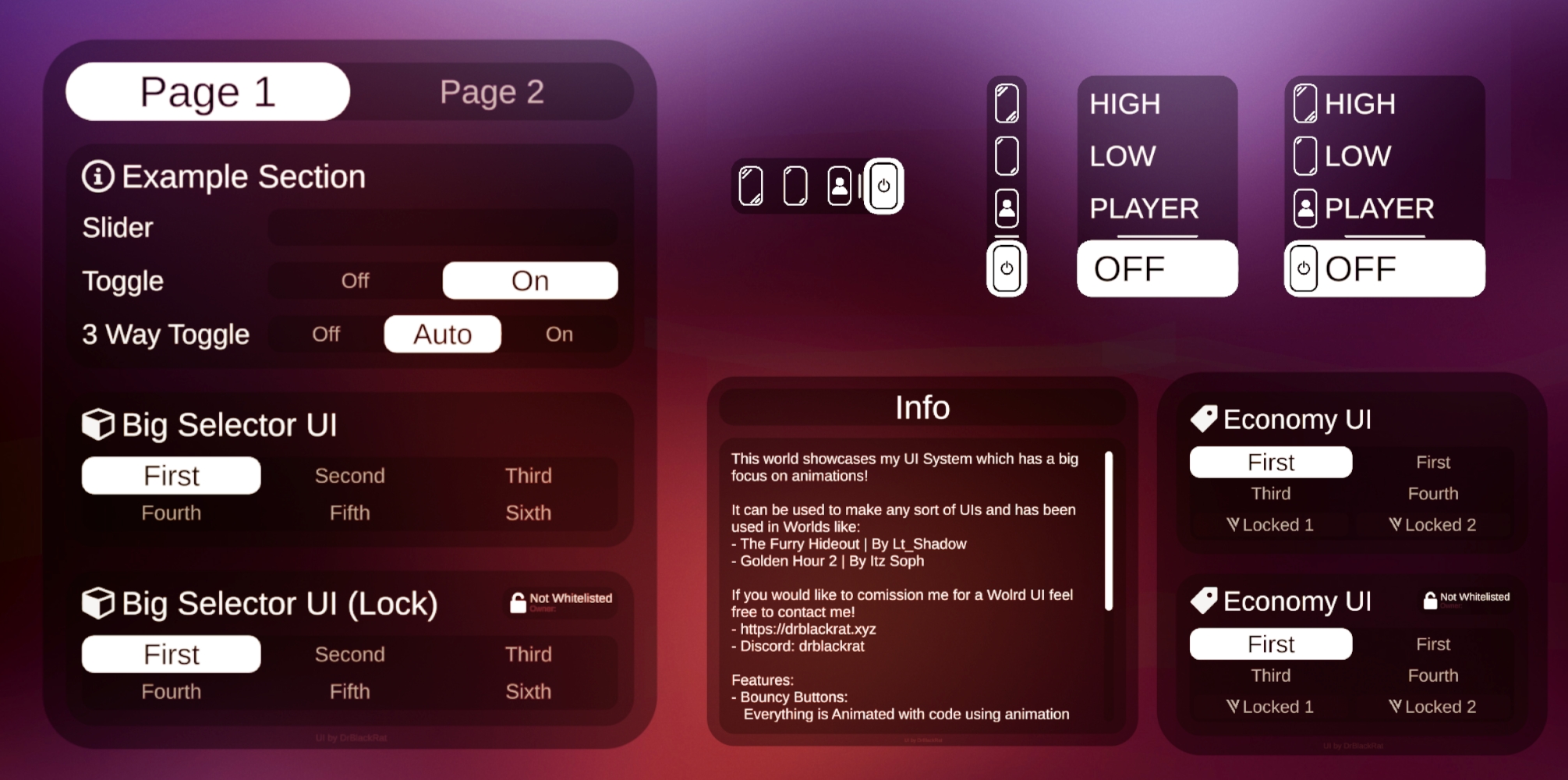
Modern UIs is a collection of scripts, prefabs, and UI elements made to build clean, modern-looking UIs in VRChat. It’s built with a strong focus on animations and smooth interactions, so everything feels satisfying and responsive to use.
You might’ve seen this system used in worlds like the Furry Hideout or Golden Hour 2.
💭 Why did I make this?
For the most part, I was just annoyed by the state of a lot of world UIs in VRChat and wanted to see if I could make something better.
Originally, this project only had a few different mirror UIs, but it’s grown a lot over time and now includes a bunch of different prefabs and scripts.
🌐 Demo World
If you want to try out Modern UIs and see if you like it, you can visit the Demo World!
⚙️ Features
Modern UIs is still in development, so things may change over time::
- Some features might get removed or updated
- New features are likely to be added
- A few parts of the docs might be out of date
Modern UIs offers a lot of features including but not limited to:
- General:
- Easy to use Persistence Support
- Local & Networked Toggles / Multi Select Menus
- Easy expandability with Unity's Layout Components
- Drag and Drop functionality with Prefabs
- UI Prefabs:
- Tabbed Menu to switch between different Menu Pages
- Sliders & Toggles
- Standalone & Inside Top UI
- Multi Select Menus
- with / without a lock button
- Mirror UIs in different styles
- Whitelist Name Display
- Adding / Removing Users on a Whitelist
- Scrollable Menu
- UI Scripts:
- Selector UI to smoothly switch between different states
- Has Whitelist, Networking and Locking Support
- Has Persistence Persistence Support
- Slider UI
- Easy to use Sliders for Post Processing
-
- Has Persistence Persistence Support
- Tab Switcher to smoothly switch between Tabs
- UI Distance Hider to disable menus if you aren't close
- UI Zones to move a Menu to different places on a map
- Selector UI to smoothly switch between different states
This is just a quick overview of what it offers! For more details, check out the Scripts and Prefabs sections.