📦 Installation
This page covers how to get and install Modern UIs.
🔽 How to get Modern UIs
Modern UIs isn’t available as a public download just yet. If you want access, there are two ways to get it:
- You can either commission me for a custom UI setup,
- or get the standalone package with a custom quote.
🎨 Commission
If you want a fully custom UI for your VRChat world, you can commission me to make one!
Just reach out to me on Discord: drblackrat
Includes:
- All of my default prefabs and scripts
- A demo scene tailored to your custom UI
- UI design based on your needs
- Custom scripts (if needed)
- Help with setup
Previous Work:
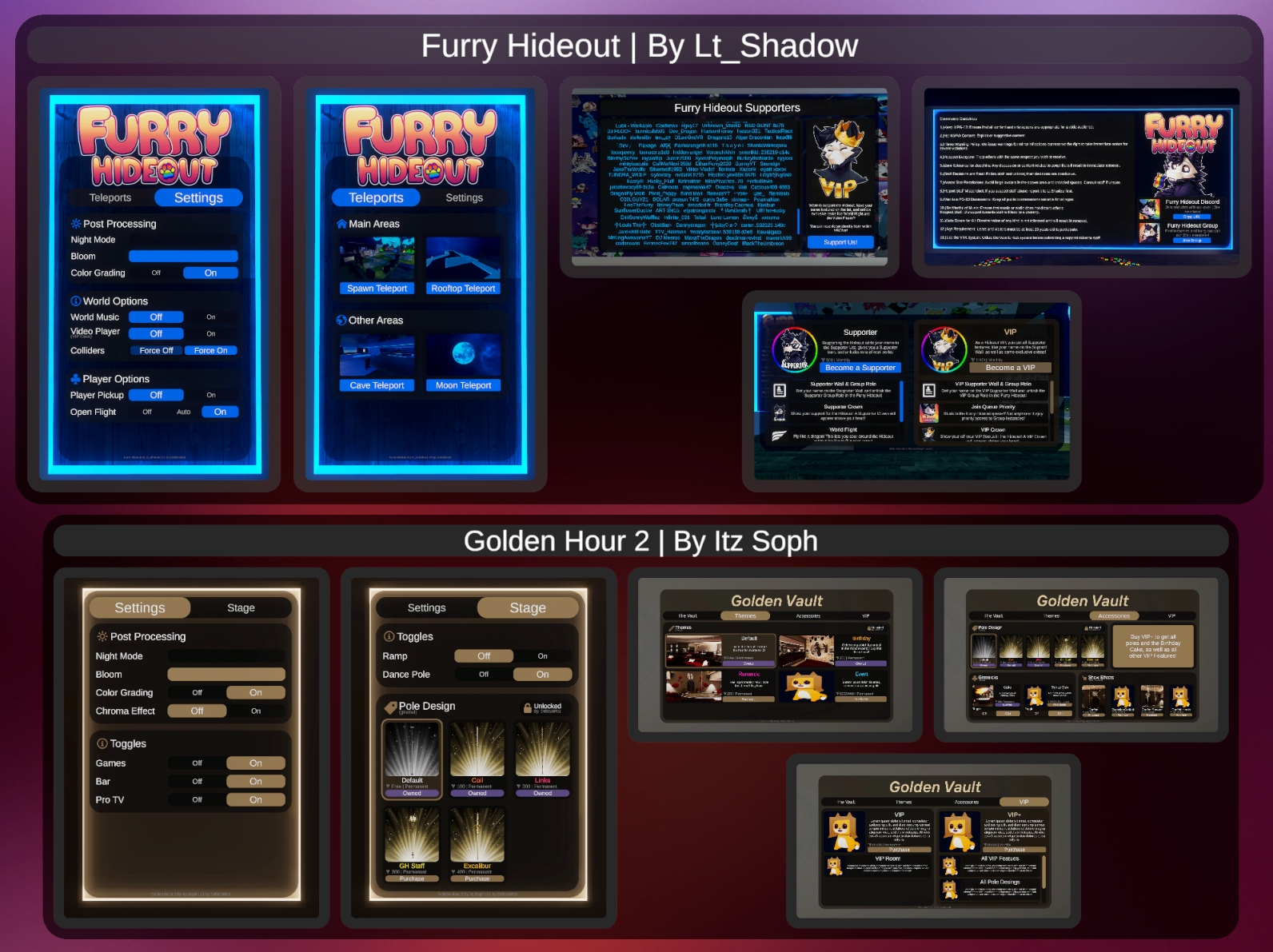
I've previously made UIs for Worlds like the Furry Hideout and the Golden Hour 2.
📁 Standalone
If you instead just want access to my scripts and prefabs, like what you see in the demo world contact me for more info and a quote.
Just message me on Discord:: drblackrat
Includes:
- All default prefabs and scripts
- The Demo Scene
- Custom scripts (if needed)
- Help with setup
⏬ Installation
Modern UIs (both the Standalone and Commission versions) currently come as a Unity package—it’s not available as a VCC/VPM package yet.
If you’ve got the Unity package, just drag it into your project’s folder in Unity. Once that’s done, everything will show up under the Modern UIs folder.